







t460s-ux
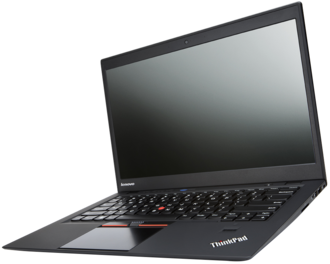
Some useful change for lenovo thinkpad t460s
3 finger browser back<->forward (Win10)
- Enable three fingers switching apps in 'Synaptics Control Panel/Gestures/Drags and Slides>Three Fingers->Switching apps'
- Download -> synaptics3fingerBrowserBackForward.reg
- Double click synaptics3fingerBrowserBackForward.reg
- Run PowerShell as Admin
Stop-Service "SyntpEnhService"; kill -name SynTPEnh; kill -name SynTPHelper; Start-Service "SynTPEnhService"
Automatically Dial up
When Ethernet cable plug in automatically connect with the PPPOE account.
- Set up a connection with name
Broadband Connectionin windows setting > Network & internet > Dial-up - Download -> autoPPPoEconnectDIUPasswordUserRequired.xml
- Replace
<USER_NAME>and<PASSWORD>with yours - Open Task scheduler ->
- Change security options user to current user
- Change trigger
At log onuser to current user - Make sure you already set up a connection with name
Broadband Connection
- Done. When you startup windows or log on windows this task executing automatically.