






Running Swirl in Google Colab
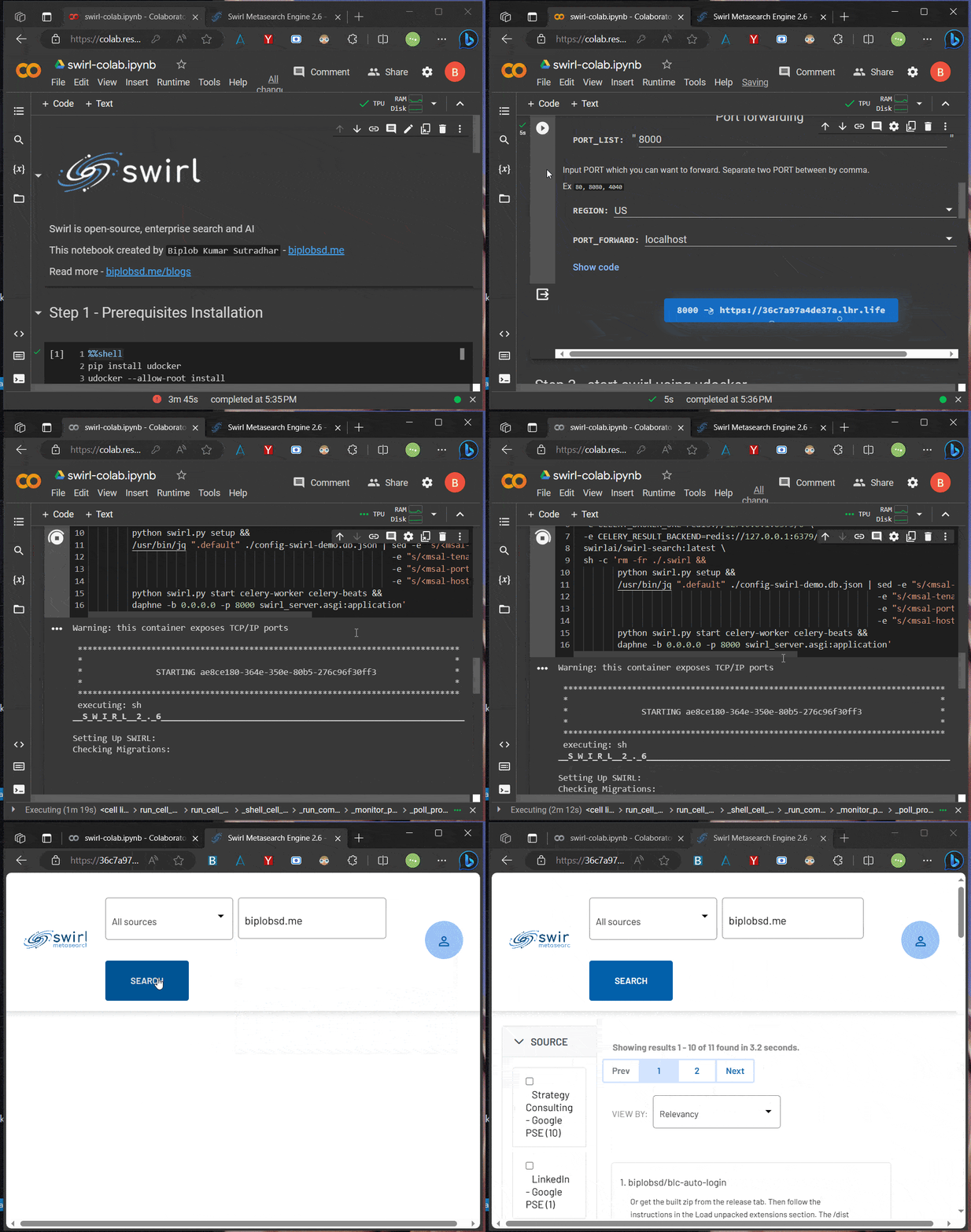
I have created a Google Colab notebook to run Swirl without setting it up on your local machine. For making it easy to test, try and maybe contribute while being on cloud.
What is Swirl?
Swirl is an open-source Python-based search platform that connects to various data sources, including databases, public data services, and enterprise data providers.
It provides AI-ranked results and supports Generative AI Models like ChatGPT for answering questions based on the search results. All while maintaining ease of use and not requiring any data re-indexing.
Here are the instructions on running this notebook in Google Colab. Let's get started. 😃
Open in this notebook in Google Colab

Click on the "Open in Colab" button above to open the notebook. And, connect to a new Google Colab runtime backend.
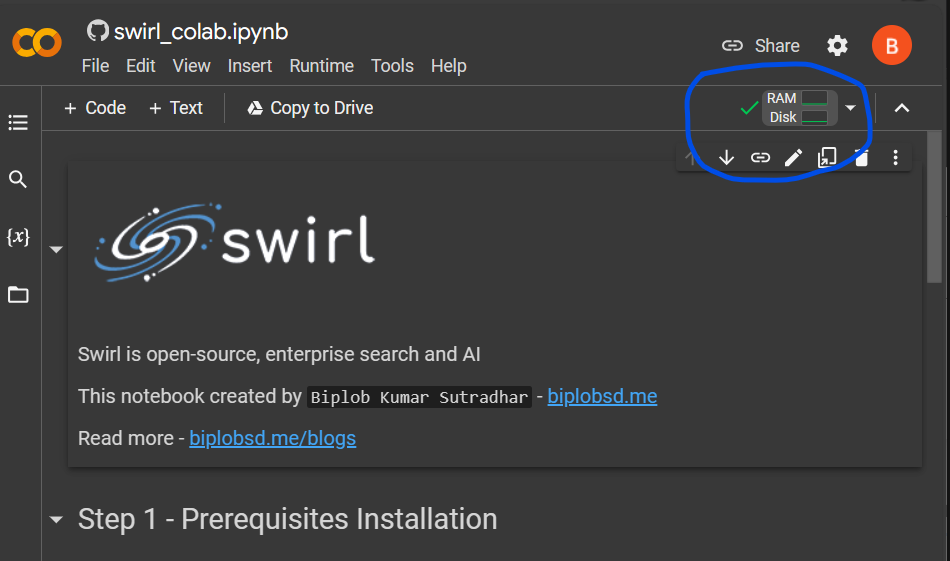
Step 1 - Prerequisites & Installation
Run the prerequisites setup 1 cell to install udocker and redis-server. In Colab, Docker is not yet supported yet. So, I found udocker as an alternative to Docker.
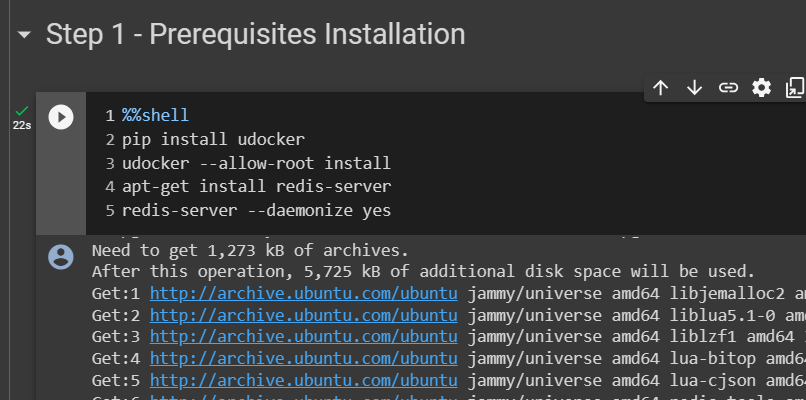
Step 2 - Port Forwarding
In Google Colab notebook, the local port is not open by default.
So, if we want to access the localhost port, we need to forward this port. After running this cell, you will get a link to access the Google Colab backend at localhost:8000.
Warning Do not click that link now because Swirl has not started yet.
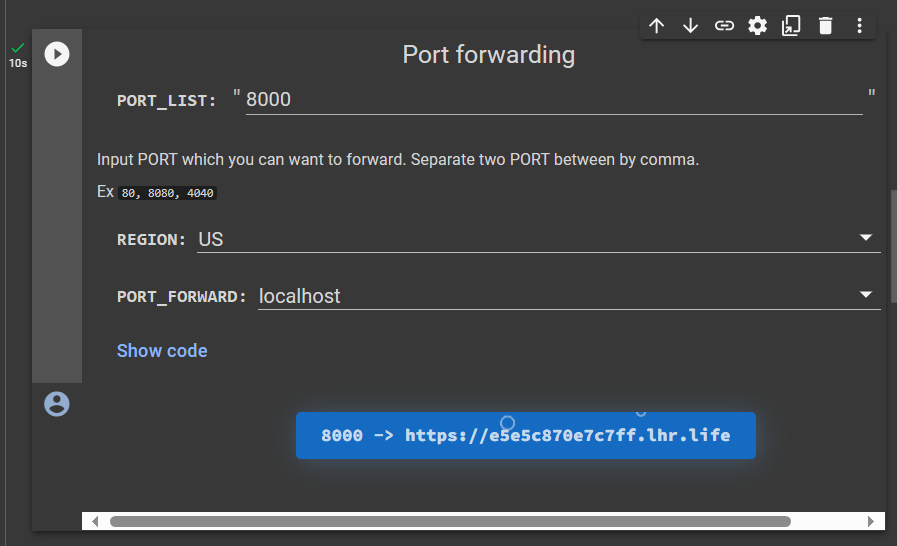
Step 3 - Start Swirl Using Udocker
Run this cell to start udocker. Udocker will download the swirlai/swirl-search image. Please wait for the download to complete.
It may take upto 2-3 minutes for Swirl to start automatically and it'll wait for any request.
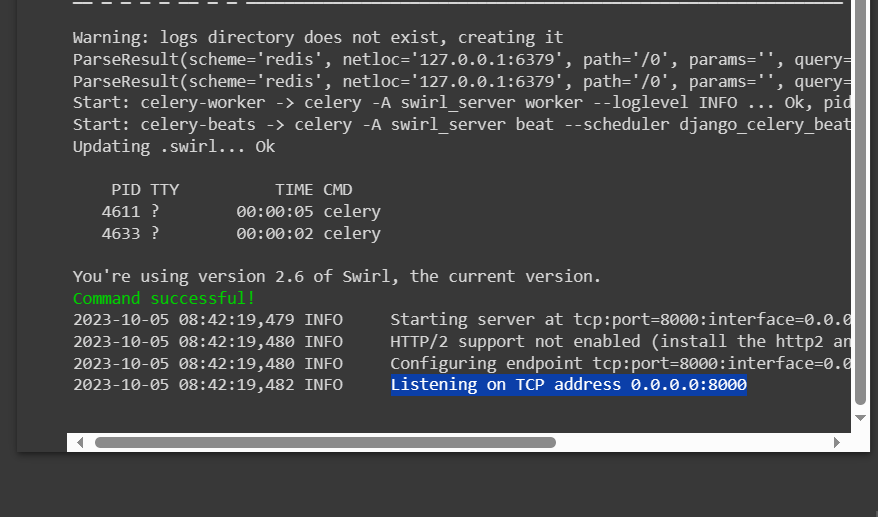
After that, you will see the message Listening on TCP address 0.0.0.0:8000 in the console.
Step 4 - Access Swirl
Please keep the cell in Step 3 running. Now, Go back to Step 2 and click the port-forwarded link.
If you see the message no tunnel here :( or any other message.
Stop the Step 3 cell, run the Step 2 cell again to get a new link. Then, run the Step 3 cell again.
Enter the username as admin and the password as password, and press Login.
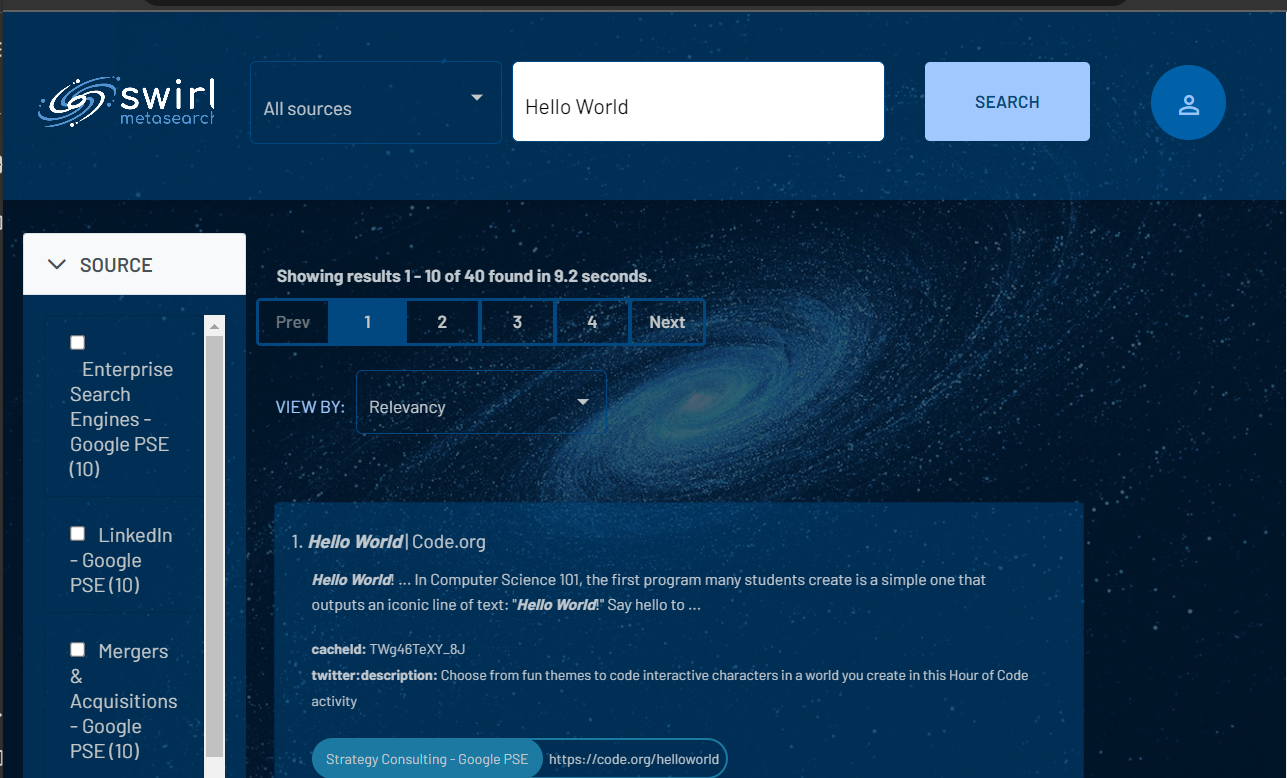
Now, enter any query to try out the open-source Swirl metasearch engine.
Conclusion
In my opinion, Swirl is a great open-source search engine built with Python. If you're curious about the project's code, visit their GitHub repository. And give them a 🌟.
GitHub: https://github.com/swirlai/swirl-search
Slack: Swirl Community Slack
Notebook repository: https://github.com/biplobsd/swirl-colab
Thank you for reading and trying this amazing open-source search engine. 🚀🚀🚀