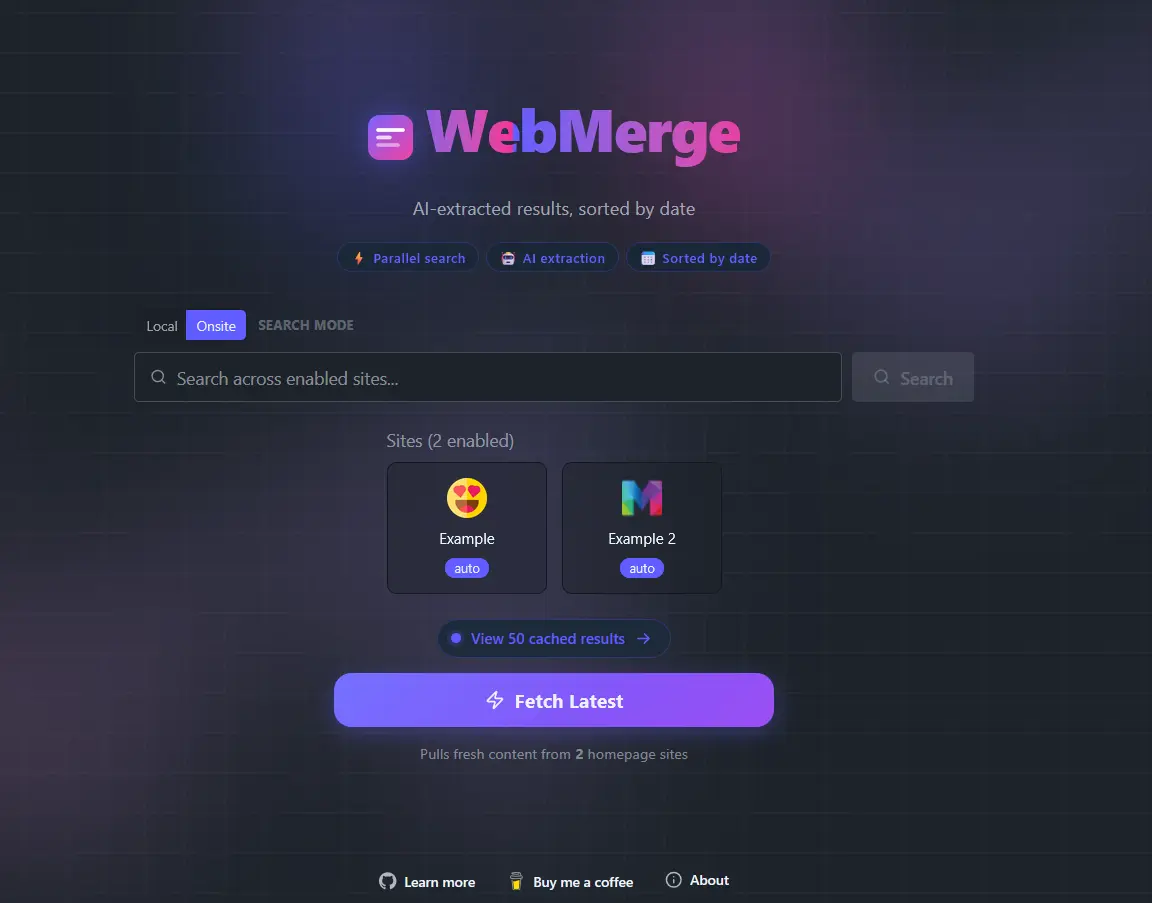
WebMerge is a browser extension for Chrome and Firefox that aggregates and searches across multiple websites simultaneously. It uses AI to extract structured data from web pages and presents results in a unified, sortable feed.
Download
Features
- Parallel Multi-Site Search — Query multiple websites at once in a single search.
- AI-Powered Data Extraction — Uses OpenRouter or Mistral AI to parse raw HTML to cleaned Markdown and then into structured items (titles, prices, images, dates etc.).
- Custom Site Schemas — Define your own field schemas per site to extract exactly the data you need.
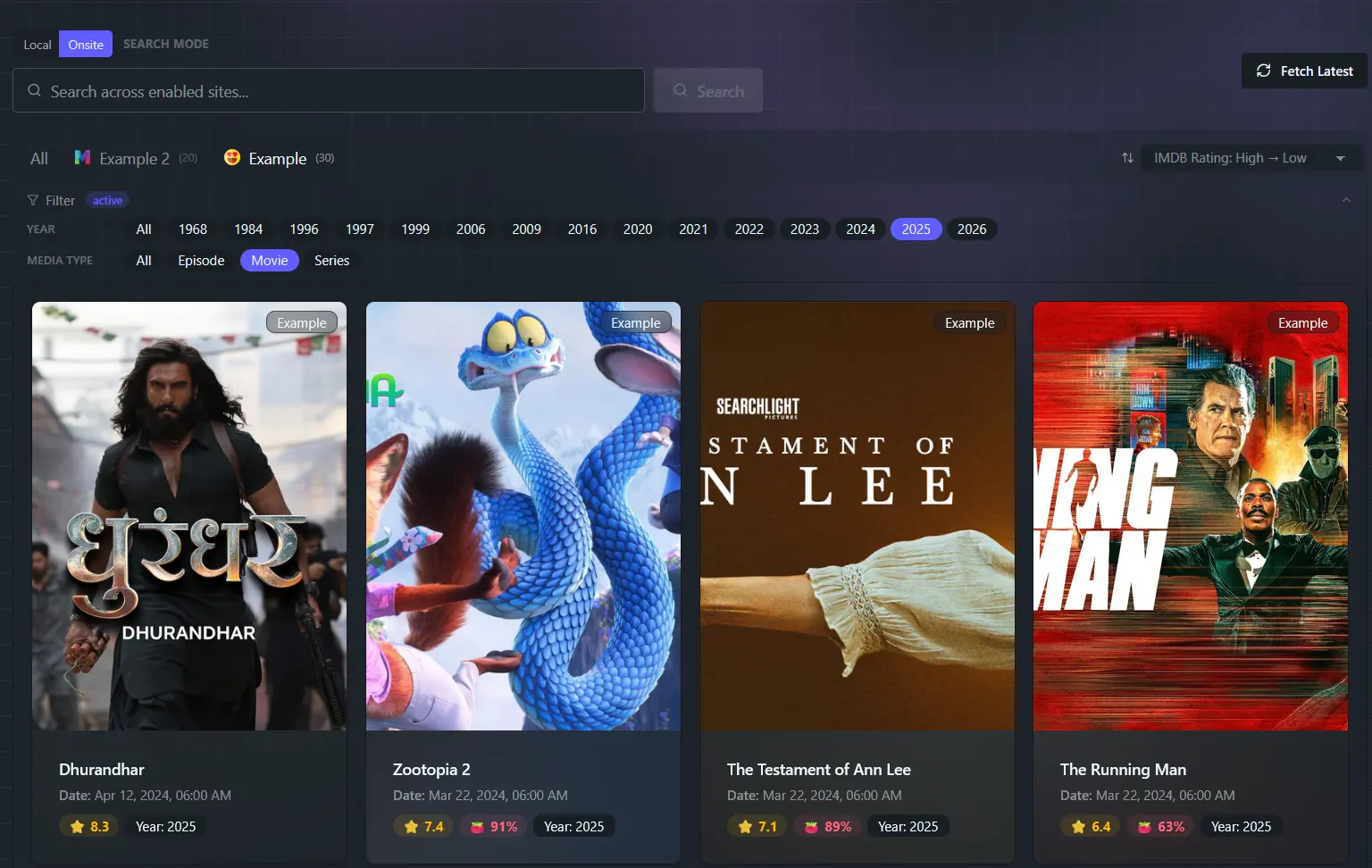
- Result Feed — Browse, sort, and filter aggregated results across all sites.
- Homepage Feeds — Pin sites as "homepage" sources and fetch their latest listings with one click.
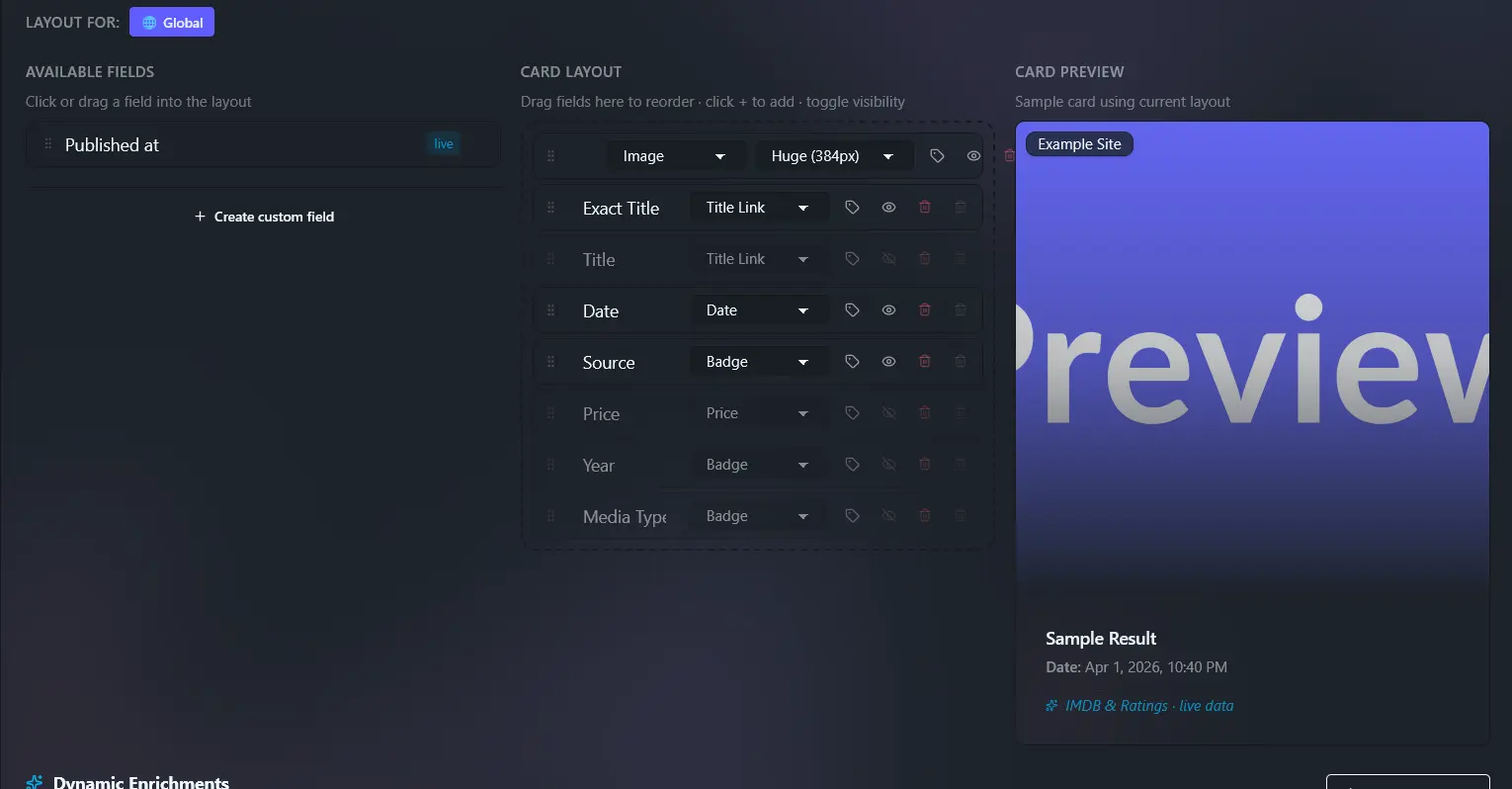
- Result Cards — Customisable card layouts with drag-and-drop field ordering, per-site or per-group.
- Site Groups — Organise your sites into named groups and search within a specific group.
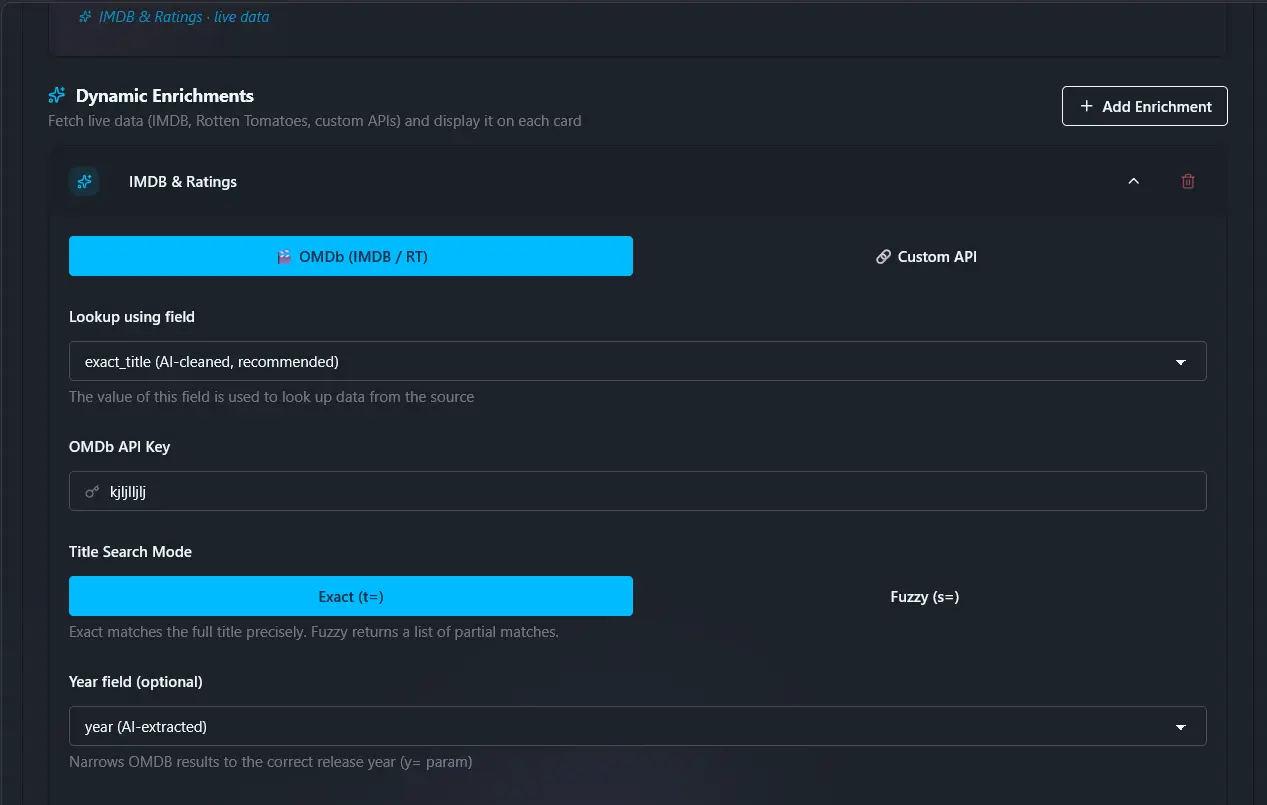
- Enrichments — Optionally fetch extra metadata from external APIs (e.g. OMDB for movie ratings).
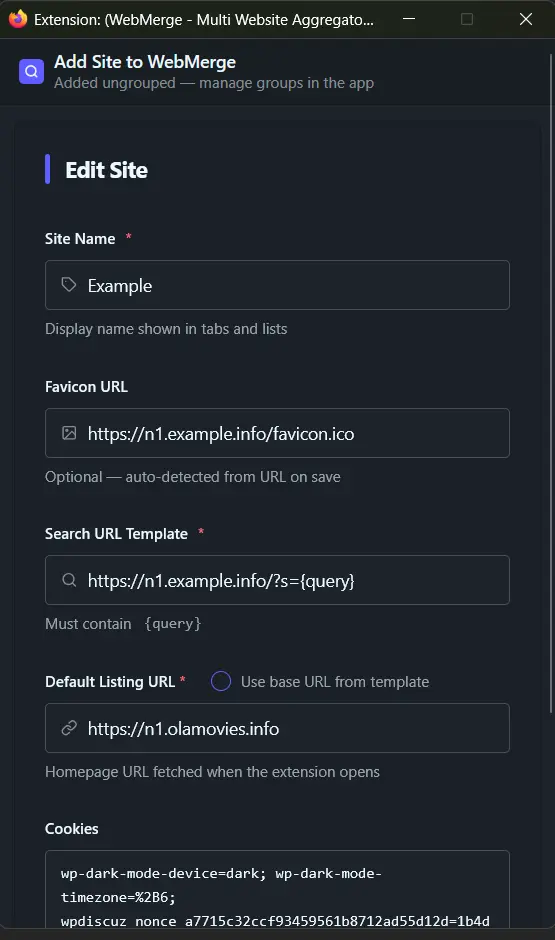
- Context Menu Integration — Right-click any page to add it as a new site.
- Custom Cookies — Pass session cookies to search on sites that require login.
- Chrome & Firefox — Full support for both browsers with a single codebase.
- Dynamic Filter Tabs — Filter results by any categorical field (e.g.
media_type, genre) with auto-generated filter rows.
- Media Type Filtering — The
media_type field (e.g. Movie, Series, Game) is surfaced as a filter row when two or more distinct values exist.
- Smooth Card Animations — GPU-accelerated hover effects (lift, scale, image zoom, ambient glow).
How It Works
- Configure Sites — Add search sites with URL templates (e.g.
https://example.com/search?q={query}) and field schemas.
- Search — Enter a query; the extension fetches all enabled sites in parallel.
- AI Extraction — Each page's HTML is converted to cleaned Markdown and sent to the LLM, which extracts structured JSON matching your schema.
- Results — Items are merged, sorted by publish date, and displayed in a card grid.
Limitations
- Cloudflare-protected sites are not supported.
- Sites with heavy JavaScript rendering may not work properly.
Setup — AI API Key
WebMerge uses OpenAI-compatible APIs for AI extraction.
- Create an account with your provider and generate an API key.
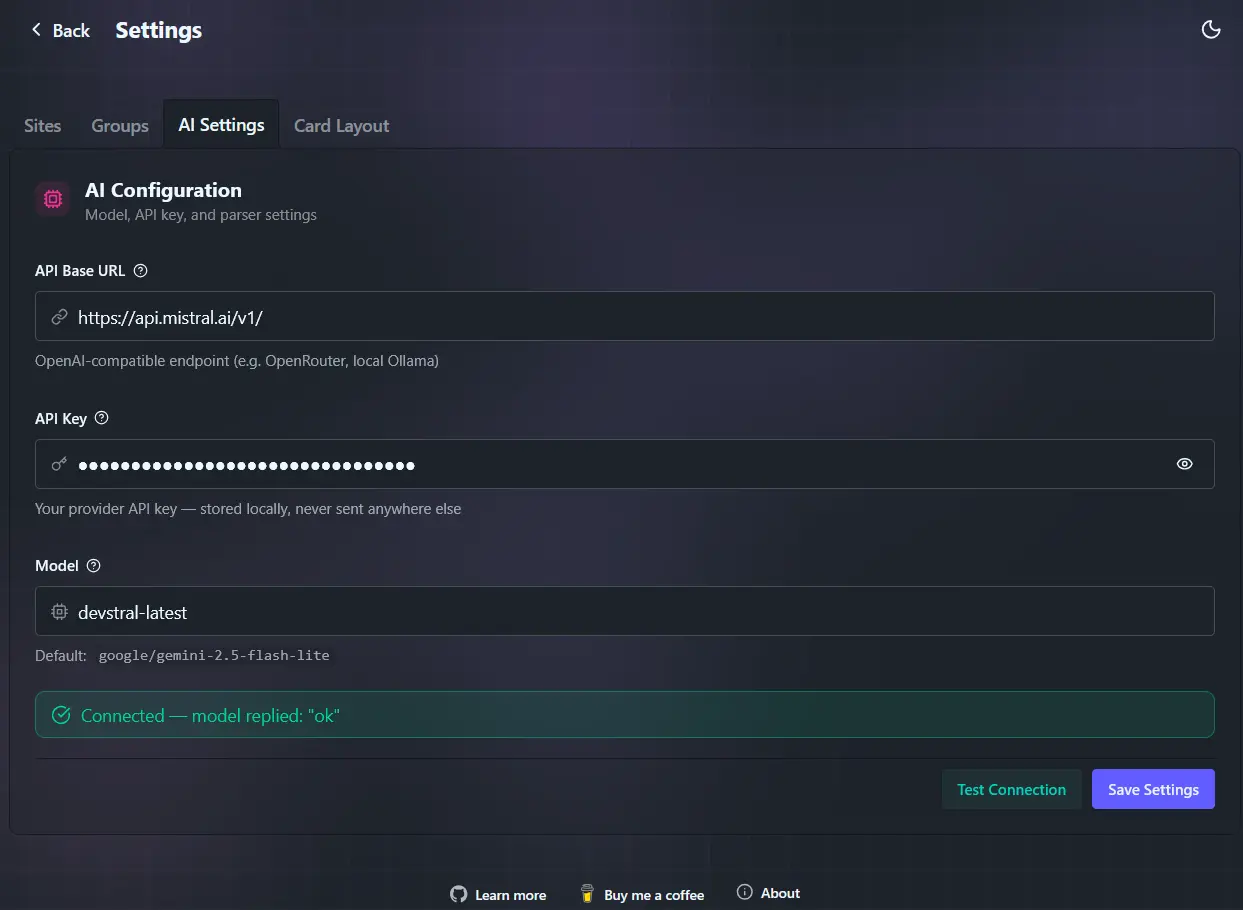
- Open the extension and go to Settings → AI Settings.
- Paste your API key and set the provider base URL/model. Recommended values:
| Provider | Base URL | Model |
|---|
| Mistral AI | https://api.mistral.ai/v1 | devstral-latest |
| OpenRouter | https://openrouter.ai/api/v1 | google/gemini-2.5-flash-lite |
The AI key is stored locally in your browser's extension storage and is never shared.
In-App Guide
Add Your First Site
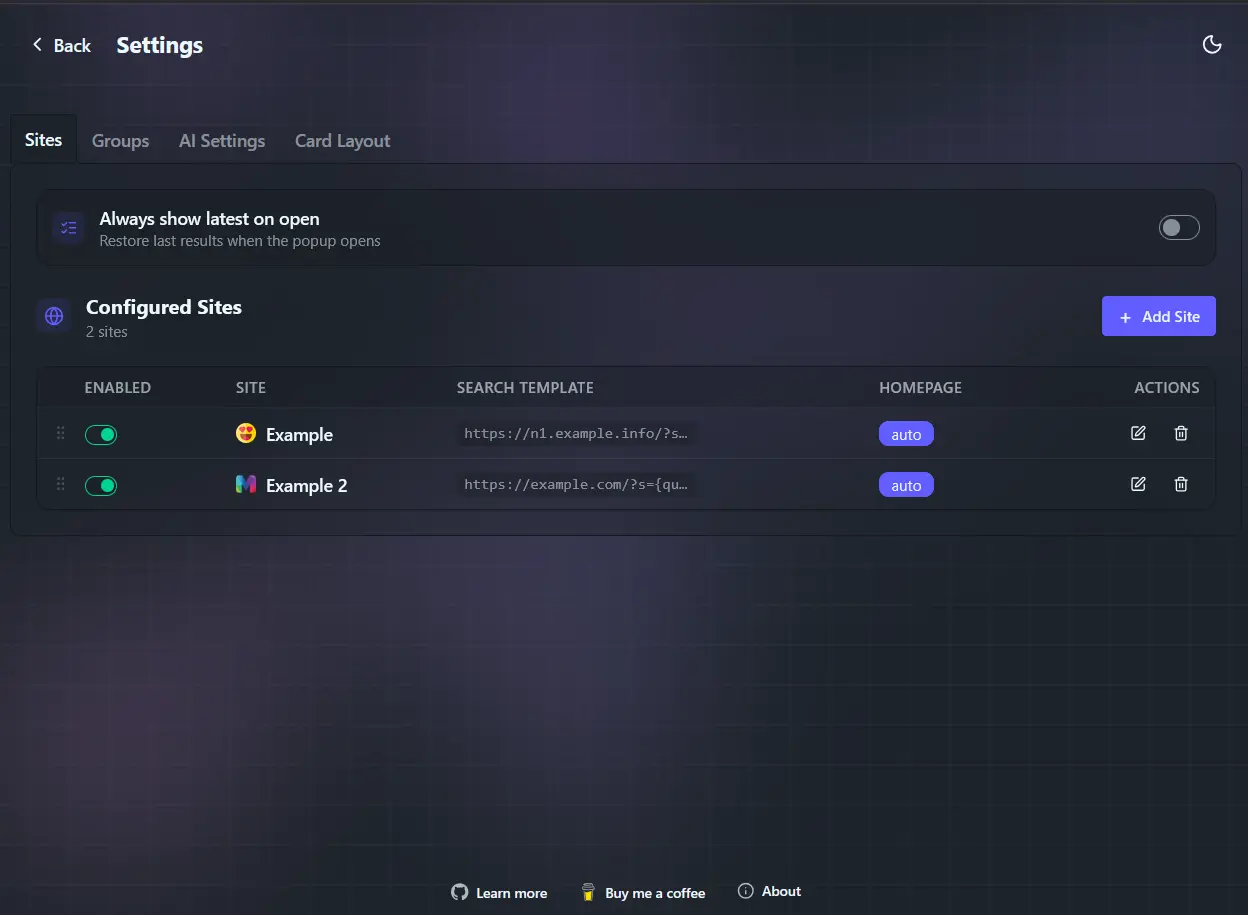
- Go to Settings → Sites
- Click Add Site
- Fill in search/listing URLs and save.
Context Menu Add Site
- Right-click on any page.
- Choose Add site to WebMerge.
- Confirm and save in the popup form.
Homepage Auto Fetch
- Enable Homepage auto-fetch on a site.
- Enable Always show latest on open in settings.
When both are enabled, WebMerge fetches homepage sources on startup.
More details: https://github.com/biplobsd/webmerge
If this app has been helpful to you, consider buying me a ☕coffee. It would make me very happy 😃